

How to stop ghosting
Ghosting is the faint second image or shadow that shows when a transfer moves at the wrong moment. It usually starts with heat, pressure and paper handling working slightly out of step rather than one big fault.
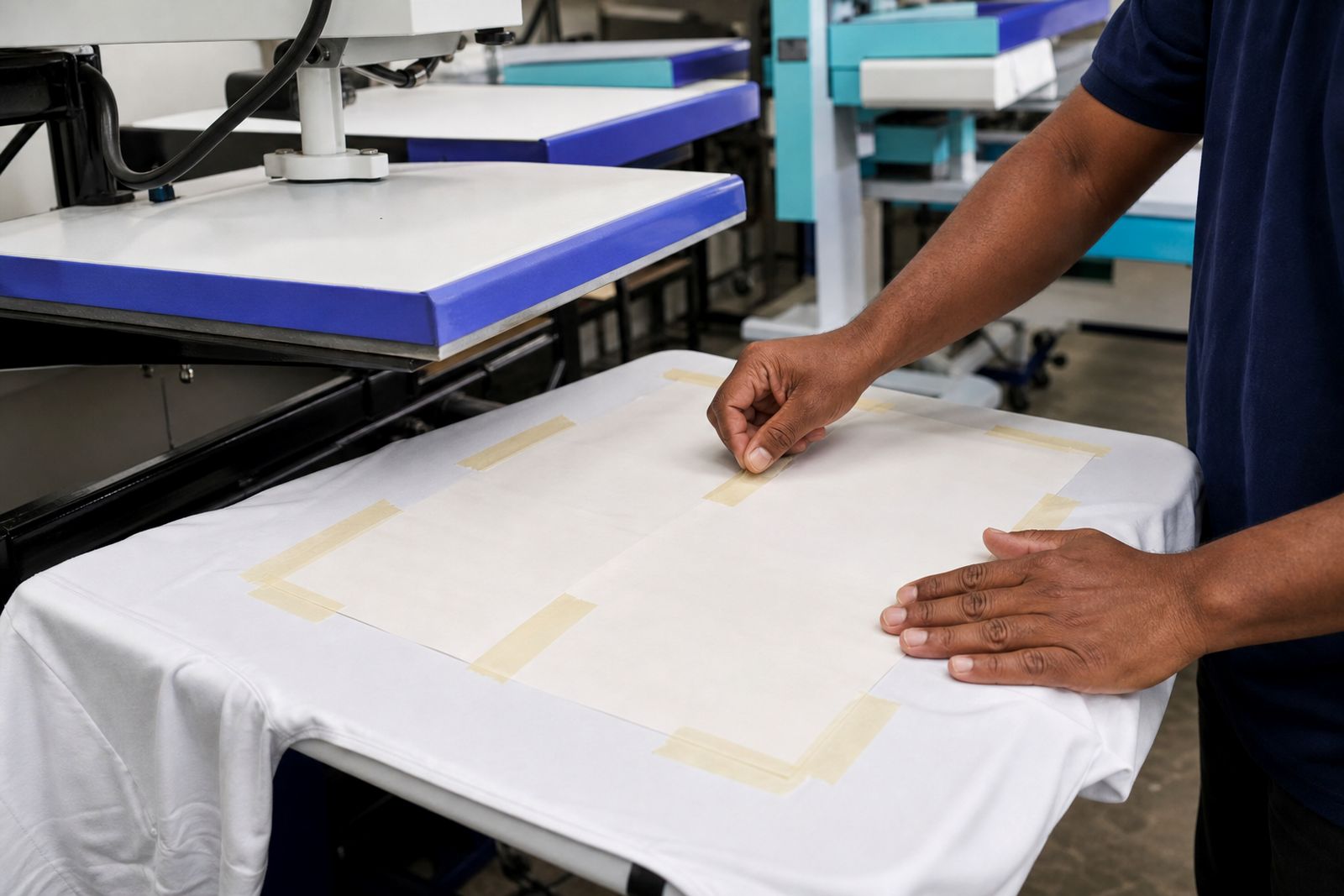
Ghosting starts with movement, not ink
Most ghosting in sublimation comes from the transfer sheet lifting, sliding or springing back during pressing. Once the dye has started to gas under heat, even a small shift can leave a second outline, soft shadow or blurry edge around text and shapes. Dark fills and fine black lettering show it first, but pale colours can ghost as well if the paper moves while the substrate is still hot.
People often blame the artwork file or colour profile straight away, yet the cause is usually physical. A sheet can creep because the tape let go, because pressure was uneven across the platen, or because the paper curled and touched down twice. When the press opens, a rushed peel can do the damage in a split second.
- A light shadow to one side usually points to paper shift.
- A soft halo around the whole image can point to lift and re-contact.
- Repeated marks near one edge often suggest pressure imbalance.
- Ghosting on stretch fabric can start from fabric movement as well as paper movement.
Paper choice affects hold-down more than many shops expect
The transfer paper itself plays a bigger part than many operators realise. A lighter fast-dry paper can work very well for speed and clean release, but if the job runs hot and the sheet curls sharply at the edges it becomes easier for air movement or platen lift to disturb it. A tacky paper helps on stretch fabrics because it grips lightly once heated, reducing the chance of the transfer shifting while the fabric relaxes or moves.
Heavier paper can also help on jobs where you need a flatter sheet through loading and unloading. It will not cure poor pressure, but it can reduce flutter and edge lift on larger graphics. In humid coastal conditions around Durban and Pinetown, paper storage matters too. If rolls or sheets absorb moisture from the air, they can wave slightly and sit unevenly before the press even closes.
- Use tacky paper where fabric stretch or knit movement is part of the job.
- Try a heavier weight if edge curl is causing trouble on larger transfers.
- Keep paper wrapped and off damp floors in the shop.
- Let stock settle to room conditions before a critical run.
Tape placement can help, but tape alone is not the cure
Heat tape is useful, though it cannot rescue a badly matched setup. If tape is placed only on one side of a larger transfer, the untaped edge can lift as the press opens. On the other hand, too much tape can create its own handling problem, especially where an operator has to remove the transfer quickly from awkward items. The goal is not maximum tape. The goal is steady restraint in the spots where movement normally starts.
For flat items, place tape so the sheet cannot pivot. Two opposite points are often better than one. On garments and panels where a press opens with a bit of upward pull, securing the leading edge and one side can limit drag. Keep the substrate on a lint-free surface and smooth the paper down before taping, because a wrinkle trapped underneath can still shift under pressure.
If tape is releasing under heat, check whether the tape is suited to the dwell temperature being used and whether the substrate surface is dusty or coated. A weak hold at the corners is enough to cause a faint double image, especialy on bold lettering.
Pressure and press condition decide whether the sheet stays put
Too little pressure allows micro-movement during the transfer. Too much pressure can be just as awkward if it causes the paper to buckle or if the substrate deforms and springs as the press opens. Even pressure across the pressing area matters more than simply turning the pressure up. A platen that bites harder on one side can create a shift exactly where the paper is least supported.
Before changing temperatures or profiles, test the press itself. A simple pressure check with strips of ordinary paper placed around the platen edge can show whether one corner is looser than the others. On swing-away and clamshell presses alike, worn pads, uneven bases or loose fittings can all contribute to movement.
- Check whether pressure feels the same at each corner.
- Replace worn or compressed pressing pads when needed.
- Match pressure to the substrate rather than forcing every job to one setting.
- Open the press smoothly instead of snapping it upward.
A South African workshop example that shows the pattern
In one Pinetown clothing workshop, ghosting started appearing on teamwear graphics pressed onto stretchy performance fabric. The print itself looked sharp on paper, but the finished top showed a pale duplicate line on the right side of logos and numbers. The problem was worse on warm afternoons when the room held more moisture and the fabric felt softer on the platen.
The fix was not a single dramatic change. The operator moved from a standard fast-dry sheet to a tacky grade for those garments, reduced the chance of pivot by changing tape points, and corrected pressure that was slightly lighter on the back right corner of the press. A protective sheet was added above the transfer to keep the top platen cleaner and to limit any disturbance during opening. Once those adjustments were made, the shadow line stopped showing on the test run and the next production batch held clean edges.
That example matters because ghosting often arrives as a combination fault. If you only change paper but ignore a weak corner on the press, the mark may improve yet not disappear. If you only add tape while the fabric is shifting underneath, you may still get blur on fine detail.
A short fault-finding routine before the next run
When ghosting appears, change one variable at a time and keep notes from the test pieces. Start with the physical setup before touching colour settings. Most shops solve the issue faster by checking hold-down, pressure and peel handling first, then trying a different paper weight or tack level if needed.
- Print a small test with bold text and solid blocks so shadows are easy to see.
- Confirm the substrate is lying flat and free of lint or trapped fibres.
- Tape the transfer to stop pivot rather than only anchoring one edge.
- Check pressure balance across the platen with a simple corner test.
- Open the press in a controlled motion and peel without dragging the sheet.
- If the job is on stretch fabric, test a tacky paper before changing everything else.
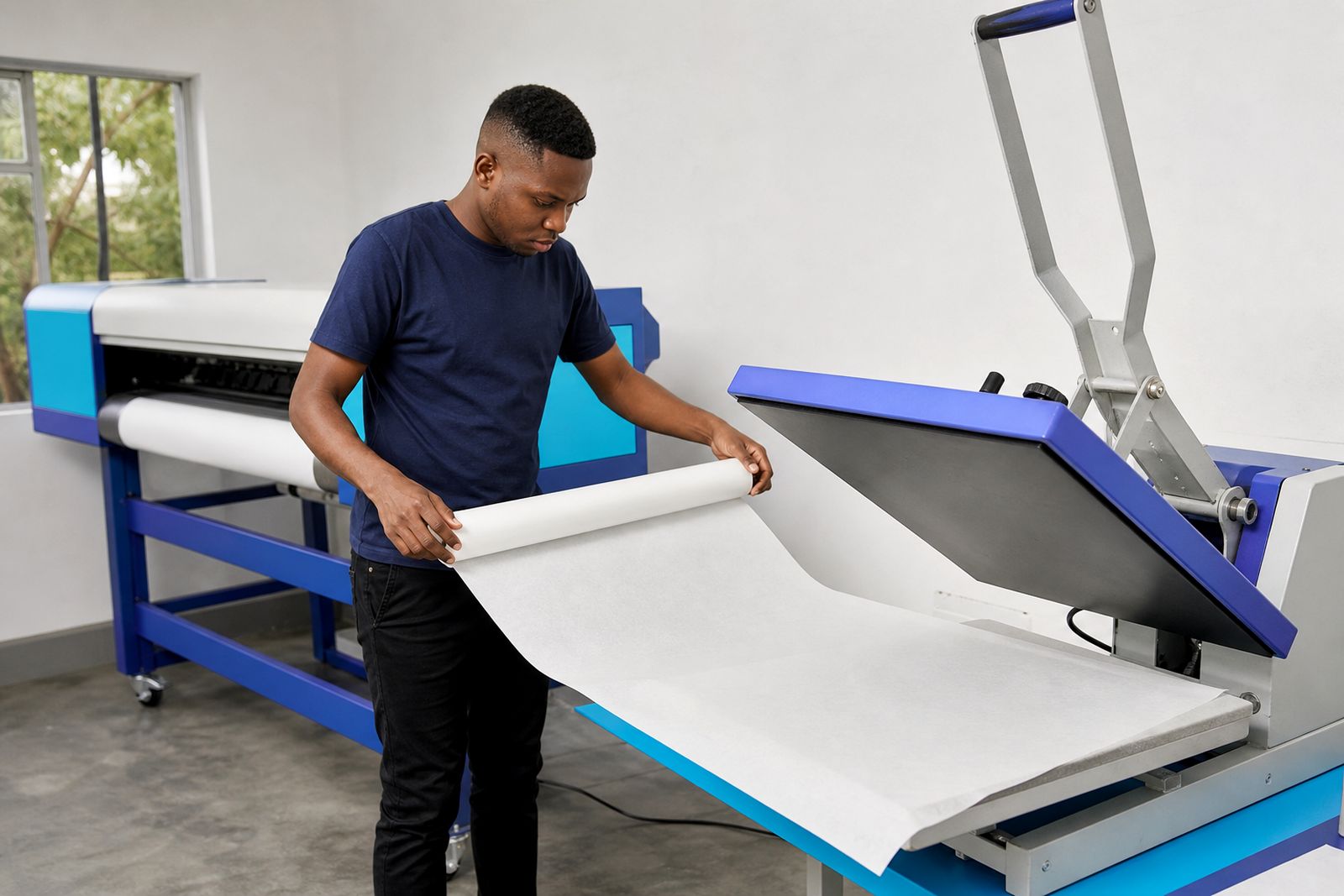
For larger format work, look at paper curl from the roll as well. A sheet that wants to spring upward can be harder to control during loading and unloading. If ghosting keeps showing on certain jobs, compare the result with a heavier roll or with protective and release papers arranged more neatly around the pressing area. Small setup details make a bigger difference than many expect.
What our Sublimation customers say
Verified Google reviews
Questions we get asked
Can ghosting happen even when the print looks sharp before pressing?
Yes. A clean print can still ghost if the transfer moves during pressing or when the press opens. The fault often appears after heat is applied, not while the image is being printed.
Does tacky sublimation paper help on all jobs?
Not on every substrate. It is most useful where fabric movement is part of the problem, especially stretch materials and soft knits. On rigid items, correct taping and even pressure may matter more than tack.
Should I increase pressure to stop ghosting?
Only if the pressure is too light. Excess pressure can create fresh problems such as buckling, substrate distortion or uneven contact. Aim for even pressure across the platen rather than the highest setting.
Also worth a look


Tell us about the job
Send sizes, materials and where you are through our contact form, and we will come back with the practical options.
Open the contact form